





LINK YOUR AADHAAR TO YOUR CUB ACCOUNT
Aadhaar can be linked to your existing account in any of the following simple and easy ways:
Via Net Banking:
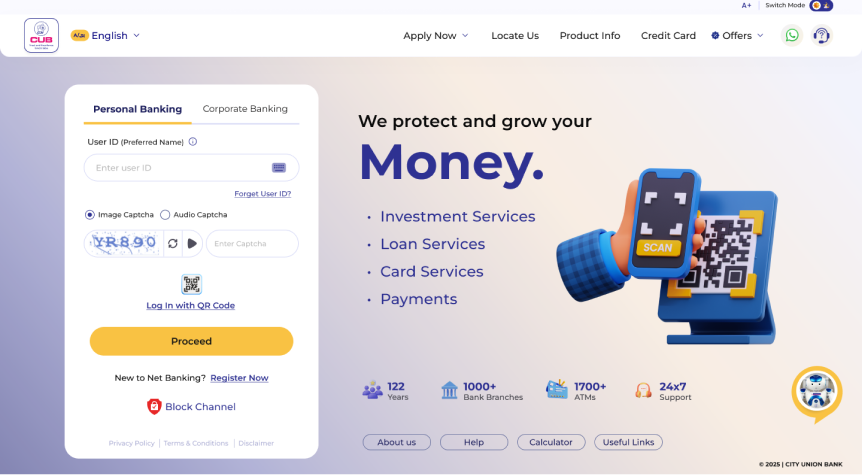
Login to www.onlinebanking.cub.bank.in and click on Link Aadhaar appearing on the left panel of the screen and follow the steps to complete the process
Via Mobile Banking:
Login to CUB Mobile APP (MBank Plus) and click on Link Aadhaar appearing on the left panel of the screen and follow the steps to complete the process
Via Branch:
Customer can visit their nearest branch, and link their Aadhaar number