CUB MBank Plus
Your bank has launched a new mobile application which allows you to bank anywhere anytime.
You can scan the QR code or else click on the store icon to download the mBank plus application and enjoy the services.



We have moved! Our official corporate website is now
www.cityunionbank.bank.in
You will be redirected automatically to the new domain.
Redirecting in 15 seconds...

Ask Lakshmi, Your Virtual Assistant

Call CUB’s 24 X 7 Customer Care: 
Write to us: customercare@cityunionbank.in
Ask Lakshmi, Your Virtual Assistant
Call CUB’s 24 X 7 Customer Care:
Write to us: customercare@cityunionbank.in
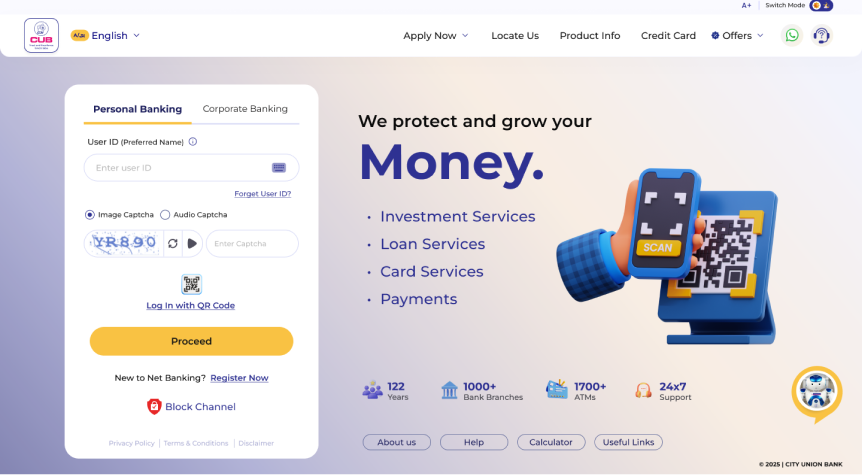
Step into the future of banking. Faster, smarter, and built around you — Register now to experience it.

Register for the new Net Banking/Mobile Banking app now to experience the advanced features.
Register Now →Click Here to watch the Registration Guide Video.
Your bank has launched a new mobile application which allows you to bank anywhere anytime.
You can scan the QR code or else click on the store icon to download the mBank plus application and enjoy the services.
The application lets you login with your Net banking or Mobile banking credentials. With the new application you may be able to
Enjoy a transaction limit of Rs 1 lakh per day. Rate our application and post your reviews in the playstore.If you have not availed Net banking/ mobile banking facility, please contact your parent branch and lodge a request. You will receive your password sets to your registered address.
Last Updated on: 24-03-2025 08:47:35 PM
A distinct bank
for all your needs.
Anywhere... Anytime...






A distinct bank for all your needs. Anywhere... Anytime...
© 2026 City Union Bank All Rights Reserved.
© 2026 City Union Bank All Rights Reserved.